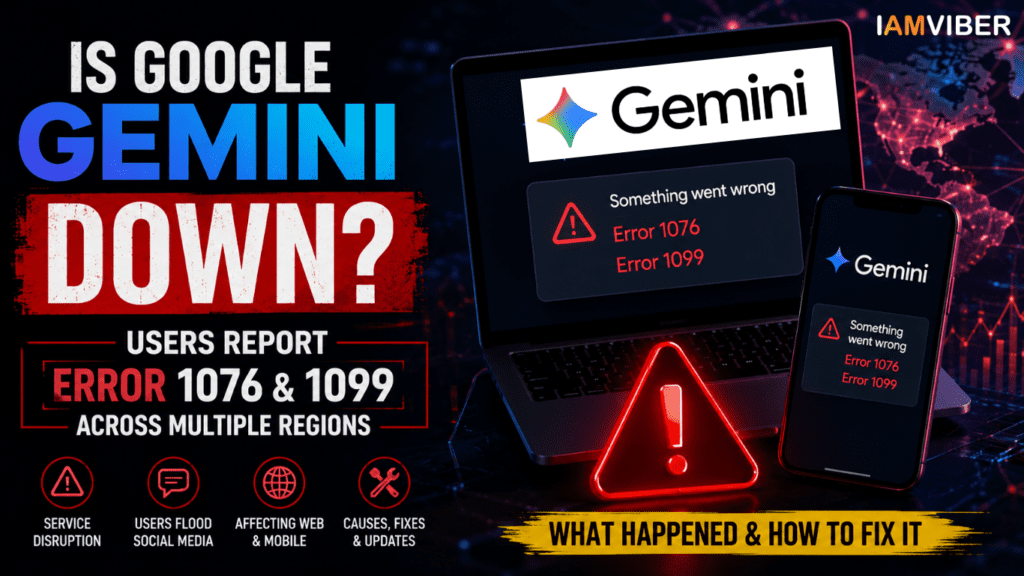
Google Gemini users across multiple countries are reporting widespread issues
Google Gemini users across multiple countries are reporting widespread issues while accessing the AI chatbot, with many encountering Error 1076 and Error 1099 messages. The disruption appears to be affecting both the web version and mobile app, leading to concerns about whether Google Gemini is currently down. Reports on outage-tracking platforms and social media surged as users complained about failed prompts, inaccessible chats, and interrupted workflows.
For millions of users who rely on Gemini for research, content creation, coding assistance, and productivity tasks, the outage has created significant inconvenience. While Google has acknowledged that it is investigating issues affecting Gemini, users are still waiting for a complete resolution.
Based on user reports and ongoing investigations, Google Gemini has experienced service disruptions that have prevented some users from generating responses or starting new conversations. Many users reported seeing messages such as:
- "Something went wrong (1076)"
- "Something went wrong (1099)"
- Failed prompt generation
- Chats refusing to load
- Response generation errors
- The issue appears to affect both desktop and mobile users, suggesting that the problem is not limited to a specific browser, device, or operating system.
- Google's Workspace Status Dashboard has indicated that the company is investigating an issue impacting Gemini services, confirming that the problem is not isolated to a handful of users.
What Does Gemini Error 1076 Mean?
Error 1076 has appeared for many Gemini users during the outage. According to reports and troubleshooting discussions, this error is often associated with a specific chat thread becoming overloaded or encountering processing issues. In some situations, browser memory limitations, corrupted session data, or conversation-specific problems may trigger the error. Users experiencing Error 1076 may notice:
- Certain conversations fail to load
- Existing chats stop responding
- Prompt generation becomes unreliable
- Repeated failures within the same thread
- While some instances of Error 1076 can be resolved by starting a new conversation, the current spike in reports suggests that many cases are linked to the broader Gemini service disruption.
What Does Gemini Error 1099 Mean?
Among the two error codes, Error 1099 appears to be more closely associated with server-side issues. Reports indicate that this error commonly occurs when Gemini’s backend services are experiencing heavy load, outages, or infrastructure problems.
Unlike browser-related problems, Error 1099 is generally not caused by the user’s device. Instead, it often indicates that Google’s systems are temporarily unable to process requests. Users encountering Error 1099 frequently report:
- Failure to generate responses
- New chats not loading
- Delayed processing
- Complete inability to access Gemini features
- In many cases, the issue resolves automatically once server stability improves.
Users Flood Social Media With Complaints
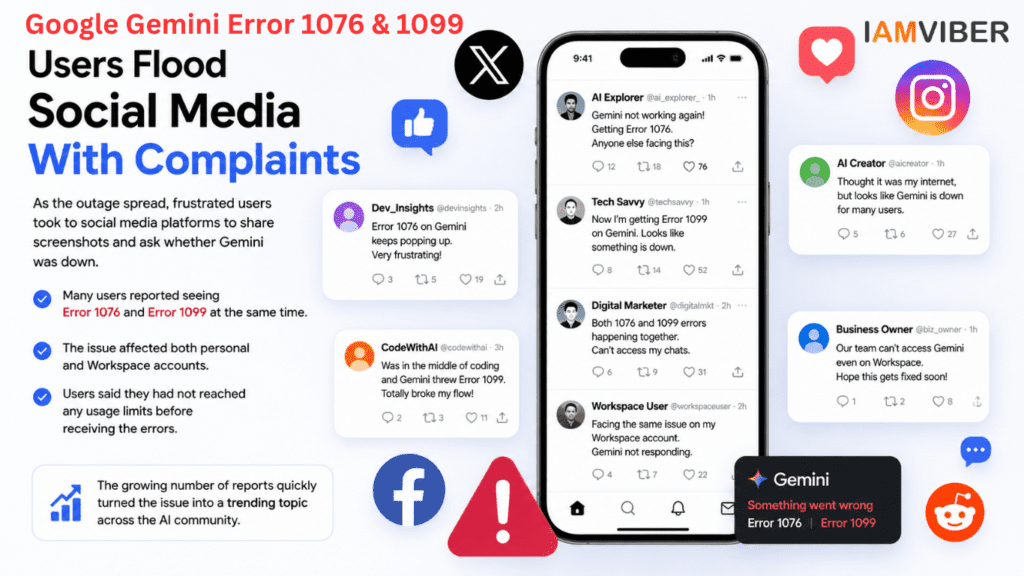
As the outage spread, frustrated users took to social media platforms to share screenshots and ask whether Gemini was down.
Several posts referenced both Error 1076 and Error 1099 appearing simultaneously. Users reported that the issue affected both personal and Workspace accounts, while others stated that they had not reached any usage limits before receiving the errors.
The growing number of reports quickly transformed the issue into a trending discussion among AI users, developers, marketers, and businesses that rely heavily on Google’s AI ecosystem.
Why Is Google Gemini Not Working?
Although Google has not yet released a detailed technical explanation for the outage, several possibilities may explain the disruption.
1. Server Overload
Gemini handles millions of requests every day. Unexpected traffic spikes can place pressure on infrastructure, resulting in service interruptions and response failures.
2. Backend Service Issues
Modern AI systems depend on numerous interconnected services. If one component experiences problems, users may encounter widespread errors even when the rest of the platform remains operational.
3. Infrastructure Updates
Large-scale AI platforms frequently deploy updates to improve performance and introduce new features. Occasionally, these changes can trigger temporary disruptions.
4. Authentication or Session Problems
Some users may experience issues related to account authentication, browser sessions, or cached data. However, the widespread nature of current reports suggests that the primary cause is likely server-side.
How to Fix Gemini Error 1076 and 1099
While users wait for Google’s engineers to resolve the issue, several troubleshooting steps may help.
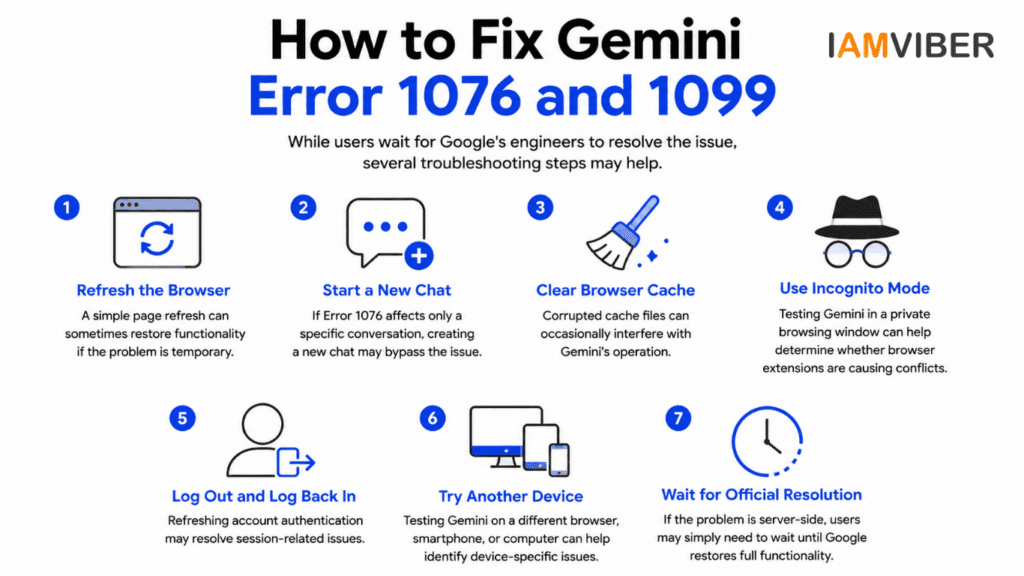
Refresh the Browser
A simple page refresh can sometimes restore functionality if the problem is temporary.
Start a New Chat
If Error 1076 affects only a specific conversation, creating a new chat may bypass the issue.
Clear Browser Cache
Corrupted cache files can occasionally interfere with Gemini’s operation.
Use Incognito Mode
Testing Gemini in a private browsing window can help determine whether browser extensions are causing conflicts.
Log Out and Log Back In
Refreshing account authentication may resolve session-related issues.
Try Another Device
Testing Gemini on a different browser, smartphone, or computer can help identify device-specific issues.
Wait for Official Resolution
If the problem is server-side, users may simply need to wait until Google restores full functionality.
Impact on Businesses and Professionals
The outage highlights the growing dependence on AI assistants in modern workflows. Businesses increasingly rely on Gemini for:
- Content creation
- Research
- Customer support
- Coding assistance
- Marketing campaigns
- Workflow automation
- Even a short interruption can affect productivity, project timelines, and operational efficiency. Organizations that depend heavily on AI tools may benefit from maintaining alternative solutions and backup workflows.
Google's Response
Google’s Workspace Status Dashboard has confirmed that the company is investigating issues affecting Gemini services. However, the company has not yet provided a complete explanation for the Error 1076 and Error 1099 reports or announced a specific timeline for full restoration.
As engineers continue working on the problem, users are advised to monitor official status updates and retry access periodically.
Final Thoughts
The sudden surge of Google Gemini Error 1076 and Error 1099 reports suggests that a significant number of users have been affected by a broader service disruption. While temporary outages are common among large cloud-based platforms, the incident underscores how essential AI assistants have become for individuals and businesses worldwide.
Until Google provides a complete resolution, users experiencing these errors should remain patient, follow troubleshooting steps, and monitor official updates for service restoration.
Topics to follow: Current Affairs & Insights Tech Innovation GenZ entrepreneurship Collaborative Fashion GEO AI Agentic SME